
Free macro calculator
Calculate your starting macros. Then adjust them from real results.
Get a calorie target, weight-based protein range, minimum fat target, flexible carbohydrates, and a pace-based goal window. Return after two weeks to calibrate the plan from your logged intake and weight trend.
Calculator
Calculate your calories and macros
Fill in your stats and goal. The calculator sets protein primarily from body weight and training, protects a minimum fat target, and uses remaining calories for carbohydrates.
Results panel
Enter your stats to see a calorie target, macro breakdown, pacing note, and projected timeline.
Maintenance calories
--
Daily target
--
Protein
--
Goal date
--
Adaptive check-in
Already have targets? Update them from your results.
Paste 7-21 days of weigh-ins and your average logged intake. Macro Targets smooths the noise, compares your actual pace with the plan, and recommends a conservative update of no more than 200 kcal/day.
Your trend-based update appears here
Daily scale readings are noisy. The check-in uses a regression trend across all valid weigh-ins instead of reacting to one day.
- Actual pace compared with target pace
- A bounded calorie adjustment
- Updated carbs and goal-date range
- A confidence rating and next check-in date
Calibration result
Hold steady
Updated daily target
--
Recommended change
--
Actual trend pace
--
Target pace
--
Updated macro plan
This is a conservative planning adjustment, not a diagnosis. Do not reduce calories in response to short-term fluid changes, illness, unusual training, or incomplete intake logging.
Macro guide
How to calculate macros from calories
A good macro calculator gives you a starting point with feedback built in. This site makes the calorie and macro calculation visible so you can understand what to change later.
Estimate maintenance
Wearable estimate adds recent resting and active energy averages. Standard formula uses Mifflin-St Jeor plus an activity multiplier.
Set the goal
Weight loss uses a deficit, maintenance stays near TDEE, and lean gain uses a conservative surplus.
Check the pace
The calculator caps aggressive rates when they collide with the intake floor or weekly body-weight guardrail.
Build macro ranges
Protein is weight- and training-based, fat gets a practical minimum, and carbohydrates use the remaining calories.
Estimated mode formula
Estimated mode uses Mifflin-St Jeor to estimate resting energy, then multiplies by your activity factor to estimate total daily energy expenditure.
BMR = (10 x weight kg) + (6.25 x height cm) - (5 x age) + sex constant
TDEE = BMR x activity factor
Wearable estimate
A wearable estimate is useful when your health app provides consistent resting and active energy averages, but device calorie estimates are not ground truth.
TDEE = resting energy + active energy
Daily target = TDEE +/- goal adjustment
Transparent by default
See every equation, guardrail, source, and known limitation.
Methodology version 2.0 documents activity factors, calorie floors, pace caps, macro logic, exclusions, and revision history.
Use cases
Macro calculator targets by goal
The same calculator can support different goals, but the way you interpret calories, protein, carbs, and fat should change with the goal.
Macro calculator for weight loss
Use the result as a calorie deficit with enough protein to support training and lean mass. Watch weekly trends, not single weigh-ins.
Macro calculator for maintenance
Use the target to stabilize intake and learn your normal range before dieting, reversing, or increasing training volume.
Macro calculator for lean gain
Use a modest surplus and slower pace so the plan supports muscle gain without turning into an untracked bulk.
Adjustments
Use your result, then calibrate it
Your first target is an informed estimate. After 14 days, use the adaptive check-in above to compare actual trend pace with the plan.
Run a two-week test
- Hit your calories and protein as consistently as possible.
- Weigh under similar conditions and let the trend smooth daily noise.
- Keep training, steps, and sleep reasonably consistent.
- Do not adjust based on one high-salt meal or one unusual day.
Adjust in small steps
- Use the check-in tool to compare actual pace with target pace.
- Keep adjustments bounded to 100-200 kcal/day.
- Change carbohydrate and fat before changing the protein priority.
- Recalculate after meaningful body-weight or activity changes.
Macro engine
How the macro targets are built
Macro Targets no longer scales protein as a fixed percentage of calories. The sequence below keeps body size and training at the center of the plan.
1. Protein range
1.2-2.2 g/kg
The exact range is shaped by goal, typical training, and eating preference.
2. Fat minimum
At least 0.6 g/kg
The eating preference can raise the working fat target when calories allow.
3. Carbohydrates
Remaining calories
Carbohydrates flex around the protein priority and fat target.
4. Practical range
Not one perfect number
The result emphasizes a protein floor and a flexible calorie window.
Protein math
4 kcal/g
Protein and carbohydrates are calculated at 4 calories per gram.
Fat math
9 kcal/g
Fat is calculated at 9 calories per gram, so grams are lower at the same calorie share.
Wearable data
Where to find wearable energy estimates
If you use a wearable estimate, use a calm average from recent days instead of one exceptional day. Consumer devices can be systematically high or low, so calibration from intake and weight trend still matters.
What to look for
- Resting energy, resting calories, or basal energy
- Active energy, move calories, or exercise calories
- A 21-28 day average when available
- Recent data from days with normal wear time
Why averages matter
- Travel, illness, long workouts, and missed wear time can distort single days.
- Rolling averages smooth out unusually high or low burn days.
- Seven days gives medium input confidence; 21-28 days is a better starting estimate.
- The adaptive check-in provides the strongest calibration signal.
Optional tools
Tracking tools that can make the estimate more reliable
None of this gear is required. The real value is consistency: better weigh-ins, clearer intake data, and more stable energy estimates.
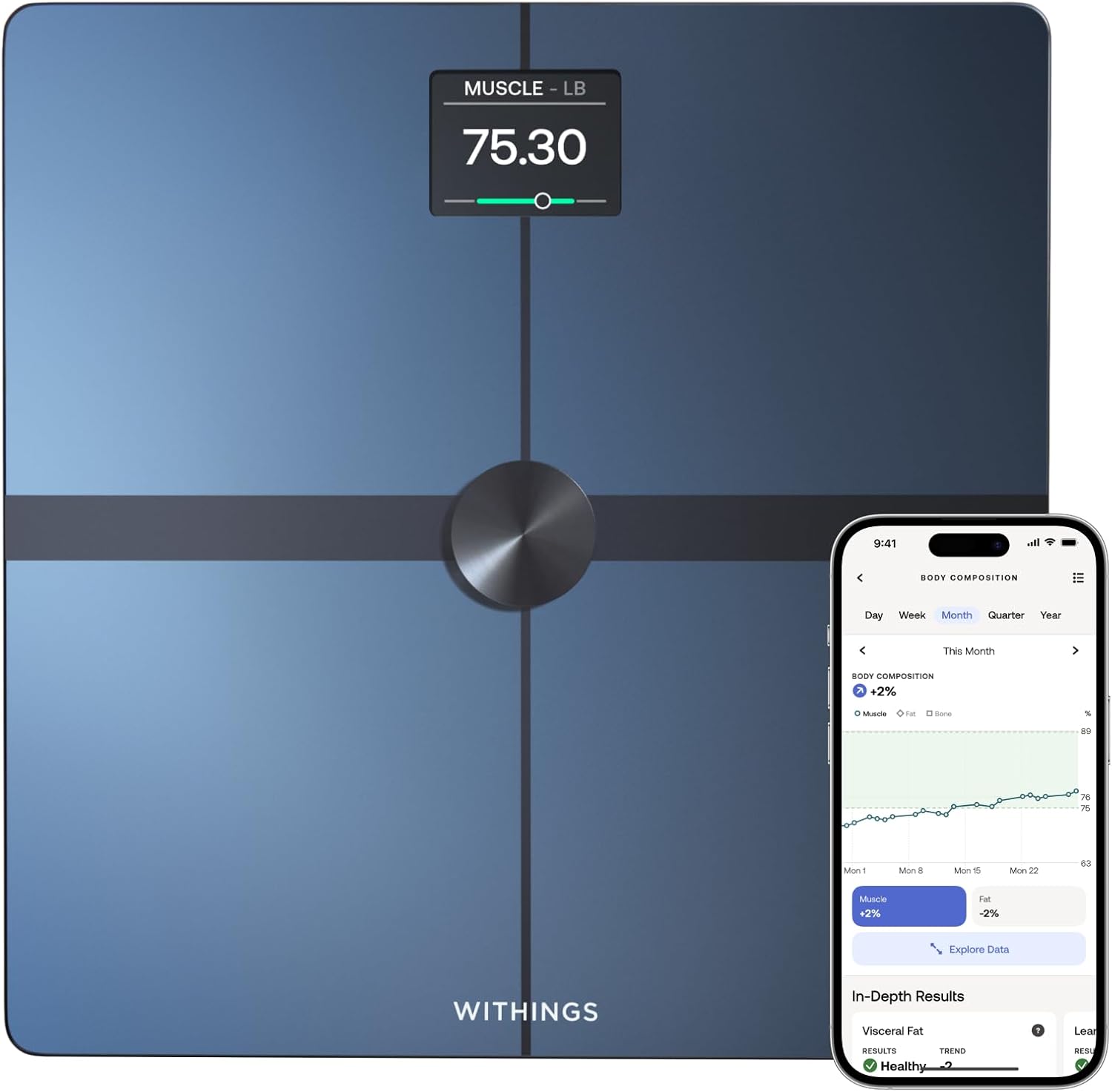
Smart scale
Helpful for consistent morning weigh-ins and trend tracking, especially when you want to monitor progress against your target pace.
View example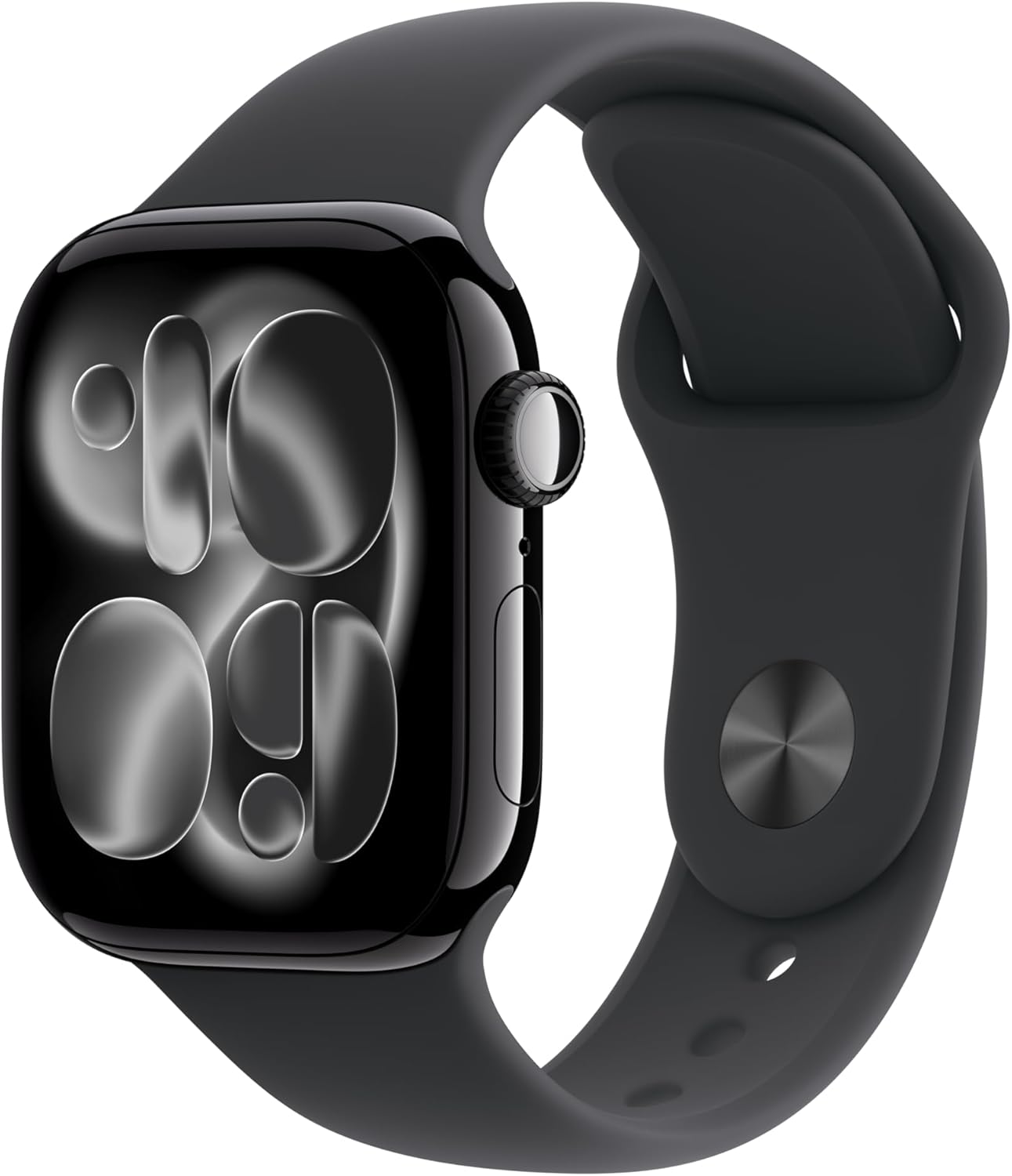
Wearable tracker
Useful when you want a wearable starting estimate and already collect resting and active energy data from a device you wear consistently.
View example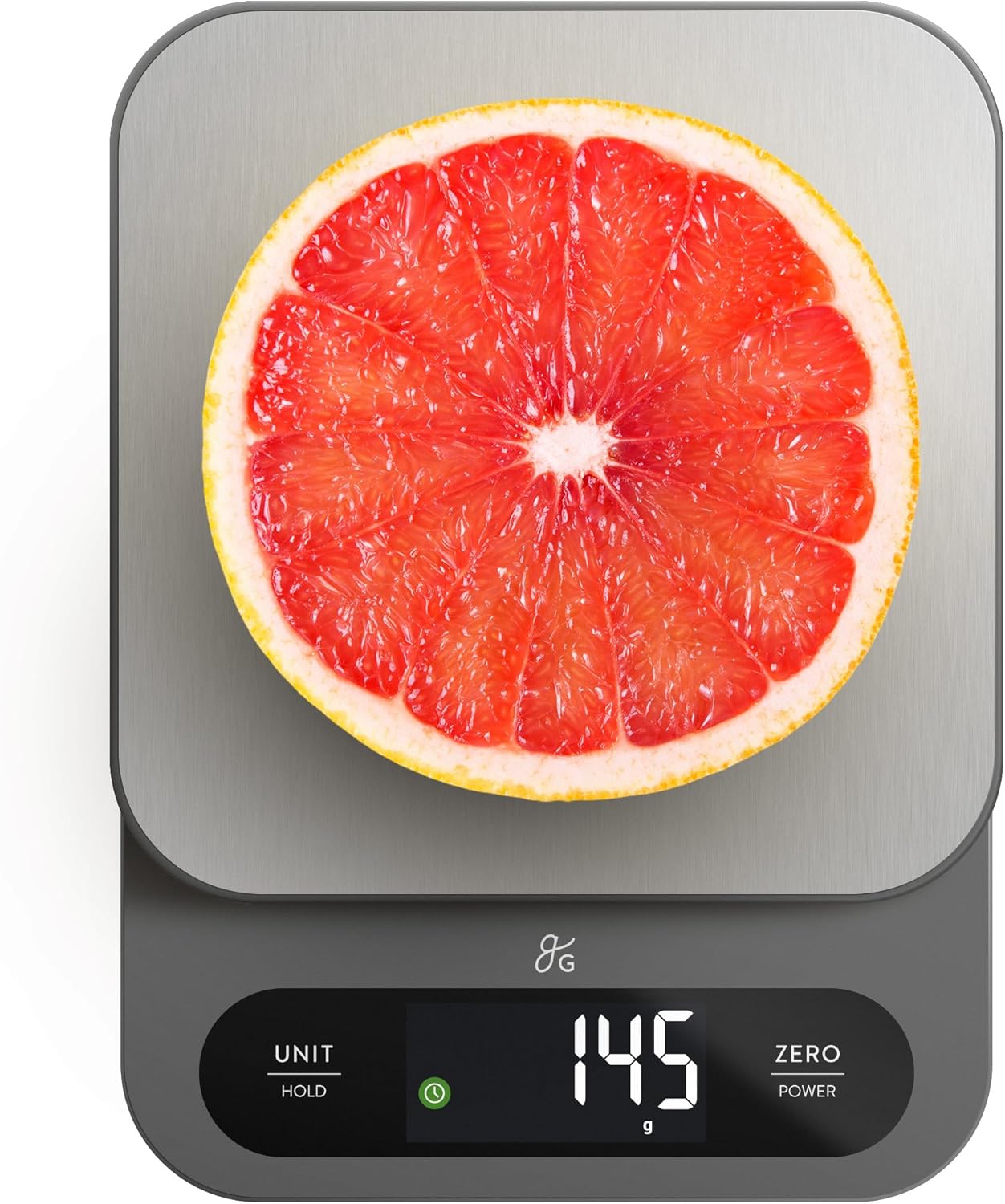
Food scale
A food scale often improves macro tracking more than a calculator tweak because it tightens up your actual intake data.
View exampleAbout
Macro Targets is built for practical planning
The site is meant to help you move from vague goals to a plan you can test: a calorie target, macro grams, pacing logic, and a repeatable adjustment process.
What this tool does well
- Creates a practical starting point for calorie and macro planning.
- Lets you choose between a wearable estimate and a standard formula.
- Updates a saved plan from logged intake and a smoothed weight trend.
- Shows pacing and timeline tradeoffs instead of hiding the math.
What it does not do
- Diagnose medical conditions or replace personalized care.
- Account for every factor that can change real-world energy needs.
- Guarantee a specific rate of weight change.
FAQ
Macro calculator questions
Short answers for the decisions people usually need to make before using a macro target.
Is this a free macro calculator?
Yes. Macro Targets is a free macro calculator that estimates maintenance calories, adjusts them for weight loss, maintenance, or lean gain, and translates the result into protein, carbohydrate, and fat targets.
Should I use a wearable estimate or the standard formula?
Use a wearable estimate if you have consistent resting and active energy averages from a health app. Use the standard formula if you only know age, height, weight, sex, and activity level. Neither is ground truth; calibrate either one from logged intake and weight trend.
Why was my target pace adjusted?
The calculator reduces aggressive pacing when it would push intake below the calorie floor used on this site or exceed the weekly body-weight cap built into the tool.
Are macro calculator results exact?
No. They are planning estimates. Use the result as a starting point, collect at least 7 days of consistent data, and use the adaptive check-in to make a bounded adjustment.
Does Macro Targets save my inputs?
The initial calculator is processed on the web server when submitted. Form preferences, saved plans, and adaptive check-ins can be stored in your browser's local storage. Check-in analysis stays in the browser and is not sent with a form submission.